Most of the money on a shoot is decided before anyone touches a camera. Pre-production is where the script becomes a list of locations, props and people, the list becomes a schedule, and the schedule becomes a budget. A lot of that work is translation: reading one document and turning it into another. That kind of work is exactly where AI tools are getting good.
The other half of pre-production is judgment: deciding what a scene actually needs, what a day can realistically hold, and which shot is worth the money. AI isn't good at that yet, and on a commercial or brand shoot, that's where the budget is won or lost.
Here's a task-by-task look at what the current tools really do, named only where we could check the vendor's own documentation, and what still needs an experienced person.
A simple rule: AI converts, people decide
Before the details, one rule of thumb that holds across every tool below. AI is useful when the input already contains the answer and someone just has to pull it out and reformat it, like the props in a scene or the scenes at one location. It's risky when the answer depends on things that aren't written down anywhere, like how long a CEO will really give you, where the sun will be at 4 p.m., or whether the client will hate the second concept.
1. Script breakdowns
What AI does well. A breakdown means reading every scene and tagging its cast, props, wardrobe, locations, vehicles, effects and so on. It's slow, careful, clerical work, and it's the clearest win for AI so far. Filmustage, for example, says it tags cast, props, locations, VFX and wardrobe automatically and links every mention of an element across the script. Its breakdown then feeds its scheduling and budgeting tools.
It's worth knowing that "automatic" doesn't always mean AI. StudioBinder's script breakdown software automatically assigns cast IDs when characters have dialogue in a scene, but the element tagging itself is still select-and-tag by hand. Ask any vendor exactly which steps the software does for you.
What still needs a human.
- What the page implies but doesn't say. A scene that says "after the storm" may need wet-down, rain towers or a VFX fix. A tagger finds the words on the page. An AD reads what's between them.
- Brand shoots often have no script. Many commercial and corporate jobs start from a treatment, a deck or a list of talking points. Someone has to turn that into scenes before any breakdown tool helps.
- Clearances. Logos, artwork, music playing in the background, recognizable buildings and real people all need a decision about releases. A tag that says "poster on wall" doesn't flag that the poster is someone else's copyrighted art.
2. Shot lists and coverage
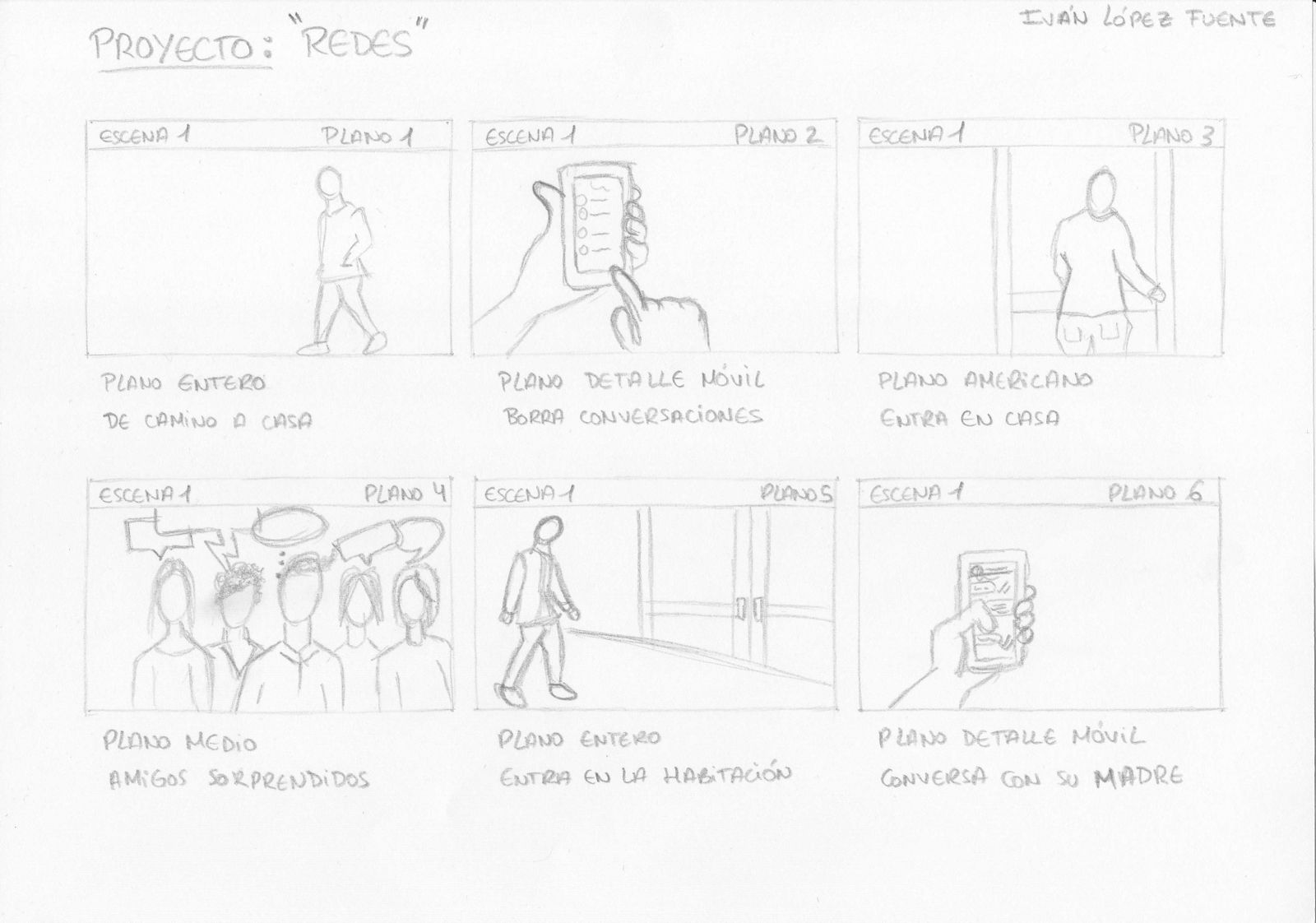
What AI does well. Several tools now split a script or brief into scenes and suggested shots. LTX Studio says its storyboard generator divides a script into scenes and shots automatically and shows how many shots each scene contains. Boords breaks a pasted script, treatment or brief into scenes and turns each beat into a frame. Even without AI, StudioBinder's shot list tool creates a shot list for every scene on import and lets you add a shot by selecting a line of the script.
What still needs a human. A list of shots isn't a coverage plan. The director and DP decide how much coverage the edit needs, which setups share lighting, and what gets cut when the day runs long. On brand work, there's another layer: if the same footage has to cut into 16:9, 9:16 and 1:1 versions, every frame needs to be composed with all three crops in mind. No breakdown tool knows your deliverables list unless someone builds it in.
3. Scheduling
What AI does well. Scheduling is a constraint puzzle, and software is good at puzzles. Filmustage's scheduling agent takes plain-language requests like "group scenes by location" or "put all night scenes together," and the company says it flags overtime risk, tight turnarounds between night and day work, inefficient location moves and availability conflicts. A tool like this can produce a reasonable first stripboard in minutes instead of a day.
What still needs a human. The AD knows things the data doesn't. A plant floor might only be quiet during a shift change. An executive might really have 40 minutes, not the two hours on the call sheet. A west-facing location might only work in the morning. The vendor's own pitch is that the tool catches conflicts "while you're still in prep." Someone still has to enter the real constraints, and someone has to sign the final schedule.
4. Budget estimates
What AI does well. This is the area changing fastest. Filmustage's budgeting tools build a budget template from the breakdown and schedule, can fill in AI estimates using local rates, and export to a spreadsheet or Movie Magic Budgeting. Its help center describes "budget hints" that explain how each estimate was calculated. Saturation announced its 3.0 release on August 19, 2026, including an agent that turns a screenplay into a production plan or a treatment into an AICP bid. The company described that agent as "coming this fall," so check whether it's actually available before you plan around it.
What still needs a human. Saturation's own buyer's guide says a line producer still has to check every rate, fringe and quantity, and that's the right instinct. An AI estimate is a starting point for a feasibility conversation, not a number to send a client. The parts that move real money, like negotiated crew deals, equipment package pricing, insurance, permits and any state film incentive, come from quotes and experience. For commercial work, the AICP bid form is still the format clients and agencies expect to compare.
5. Storyboards and previs
What AI does well. Image generation has made rough boards fast and cheap. Boords says it keeps saved characters, locations and props consistent from frame to frame, lets clients comment on each frame without logging in, and exports a timed board to Premiere Pro, DaVinci Resolve or After Effects. LTX Studio's storyboard generator pulls characters and objects out of the script, uses current image models, and exports animated boards as MP4 files. For a client who struggles to picture a concept, a board that moves can save a round of revisions.
What still needs a human. Three things.
- A board is a promise. A generated frame can show a crane move, a sunset and a crowd that the budget, the location or the lens kit can't deliver. Once a client approves a frame, they expect to see it. A DP or director should check every board for what's actually achievable before it goes out. Boords' own advice to keep early concepts in a loose sketch style, so feedback stays on story, is a good habit.
- Taste. Generators tend to produce the average of what they've seen. A board can look polished and still look like every other ad. The look of the finished piece still comes from the director and DP.
- Rights. Before generated frames go into a client deck, check the tool's terms on who owns the outputs and whether your uploads are used for training. We cover the legal questions in more depth in our article on the risks of AI in production.
What it all looks like side by side
| Task | Example tools (checked on vendor sites) | What AI does | What still needs a human |
|---|---|---|---|
| Script breakdown | Filmustage | Tags cast, props, wardrobe, locations, VFX | Implied needs, treatments with no script, clearances |
| Shot list | LTX Studio, Boords (StudioBinder without AI) | Splits a script into scenes and suggested shots | Coverage, setups, multi-format framing |
| Scheduling | Filmustage | Groups scenes, flags overtime and turnaround conflicts | Real-world constraints, final sign-off |
| Budget | Filmustage; Saturation (agent announced, fall 2026) | Template and first-pass estimates from breakdown and schedule | Quotes, deals, insurance, incentives, final numbers |
| Storyboards and previs | Boords, LTX Studio | Fast frames, consistent characters, animatics | What's achievable, taste, rights |
Protect the client's material
Every tool above works by uploading a script, a brief or images to someone's cloud service. On brand work those documents are often under NDA: an unreleased product, a merger, a launch date. Before anyone on the team uploads them:
- Read the tool's terms on whether customer uploads are used to train models, and whether you can opt out.
- Confirm the client is fine with the tool being used, in writing if the NDA is strict.
- Keep a short list of approved tools, so nobody pastes a confidential script into whatever chatbot is open in their browser.
A sensible way to use AI in prep
On a typical commercial or brand job, a workable pattern looks like this:
- Let AI draft the boring parts. First-pass breakdown, rough stripboard, a template budget and loose boards.
- Have the people who'll run the shoot rewrite them. The AD owns the schedule, the line producer owns the budget, the director and DP own the boards.
- Send the client only the human-checked versions. Never send a raw AI estimate or an unreviewed board.
- Spend the hours you saved on the judgment calls. Use them for scouting, casting, a better treatment, or a real tech scout with the DP.
That last step is the point. AI doesn't make a shoot good. It frees up time for the decisions that do.
If you're planning a commercial or brand film and want a team that uses these tools without letting them make the creative calls, Colton Productions in Port Byron, Illinois, handles production, post and audio in-house and works with brands nationwide.
FAQ
Can AI build a budget I can send to a client? It can build a draft. Treat it as a feasibility check, then have a line producer replace the estimates with real quotes and rates before anything goes out.
Will AI replace the AD or line producer? The current tools take over the clerical parts of those jobs, like tagging, sorting strips and filling templates. The parts that need judgment and accountability, like signing off on a schedule or a budget, still sit with people.
Is it safe to upload a client's script to an AI tool? Only if the client agrees and you've checked the tool's terms on data use and training. When in doubt, ask first.


